The niche agency
You sell a dental or roofing snapshot. A theme in the trade’s own colours makes the account you hand over feel built for that practice, not borrowed.
Titles, trades and body copy across every page.
A specimen library of GoHighLevel builds
Home · The customizer · Themes and dark mode
Specimen A · Themes, UI kits, dark mode
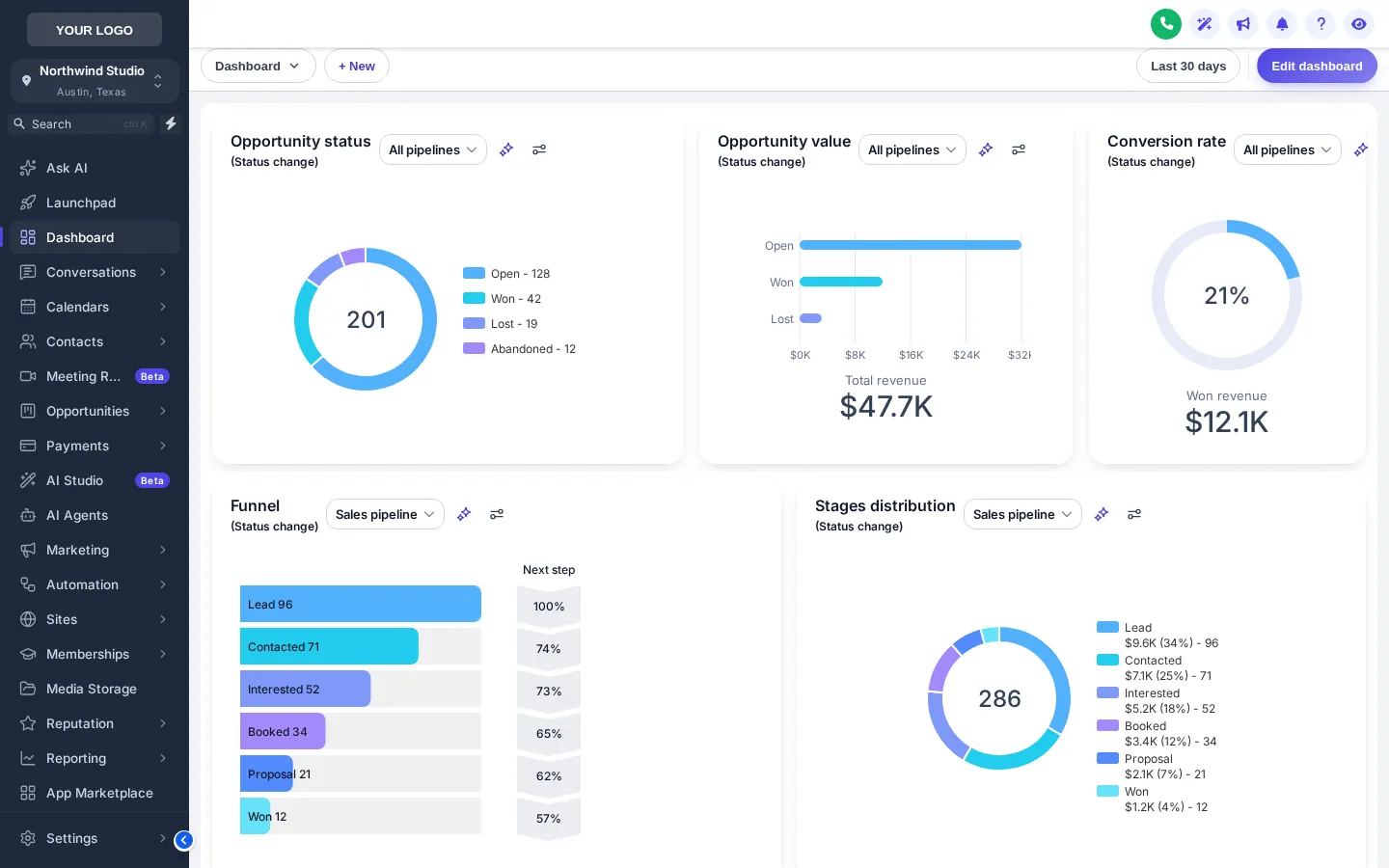
A GoHighLevel white label theme restyles the whole app, not only the logo: sidebar, header, page background, type, corners and controls. The customizer ships 27 finished themes and 11 UI kits, plus a dark mode with its own palette. Pick one below, see it on a live sub-account, then make it yours.
The press · live
Inking the proof…
Now proofingSlate CorporateThe real customizer engine restyling a copy of a GoHighLevel sub-account. The menu, the collapse button and the Save contact window all work inside the frame.
What is in the case
A.1
Each sets the sidebar, header, background, type, corner radius, UI kit and a matching login page. Start from one and change any part of it.
A.2
Soft shadow, bordered flat, glass, brutalist, halo, rounded pill and more. A kit changes how controls are drawn without touching your colours.
A.3
3 themes are dark from the start, and the dark switch gives any theme its own surface, border and text palette instead of inverting it.
A.4
Brand colour, accent, font and logo are fields in the editor. A colour remap carries them into the corners of GoHighLevel a theme alone does not reach.
A.5
Keep the left sidebar, move it right, or switch to a top bar. Layout is part of every package.
A.6
One eye button in the header blurs names, emails and phone numbers for screen-shares, demos and recorded walkthroughs.
Proofs on file
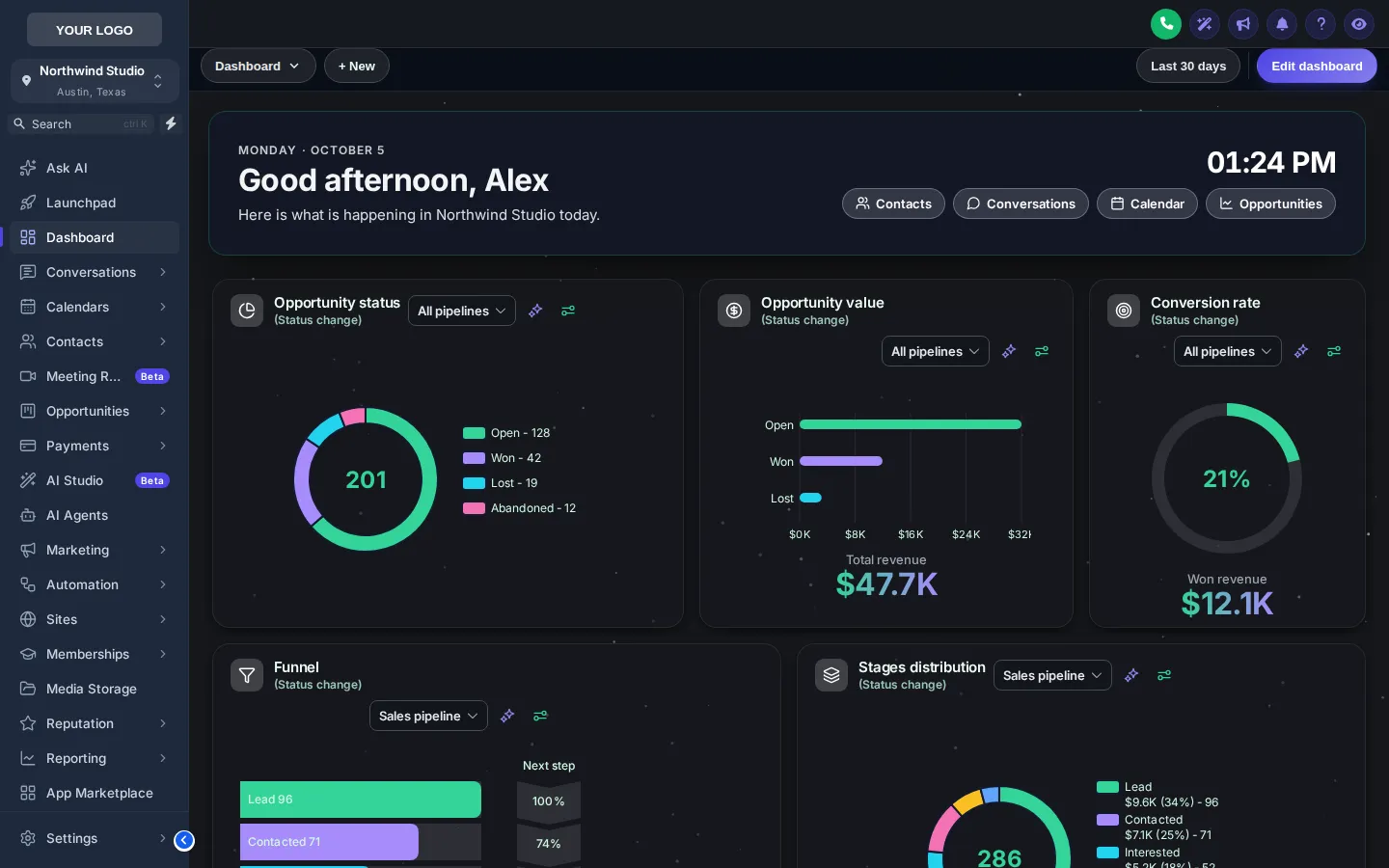
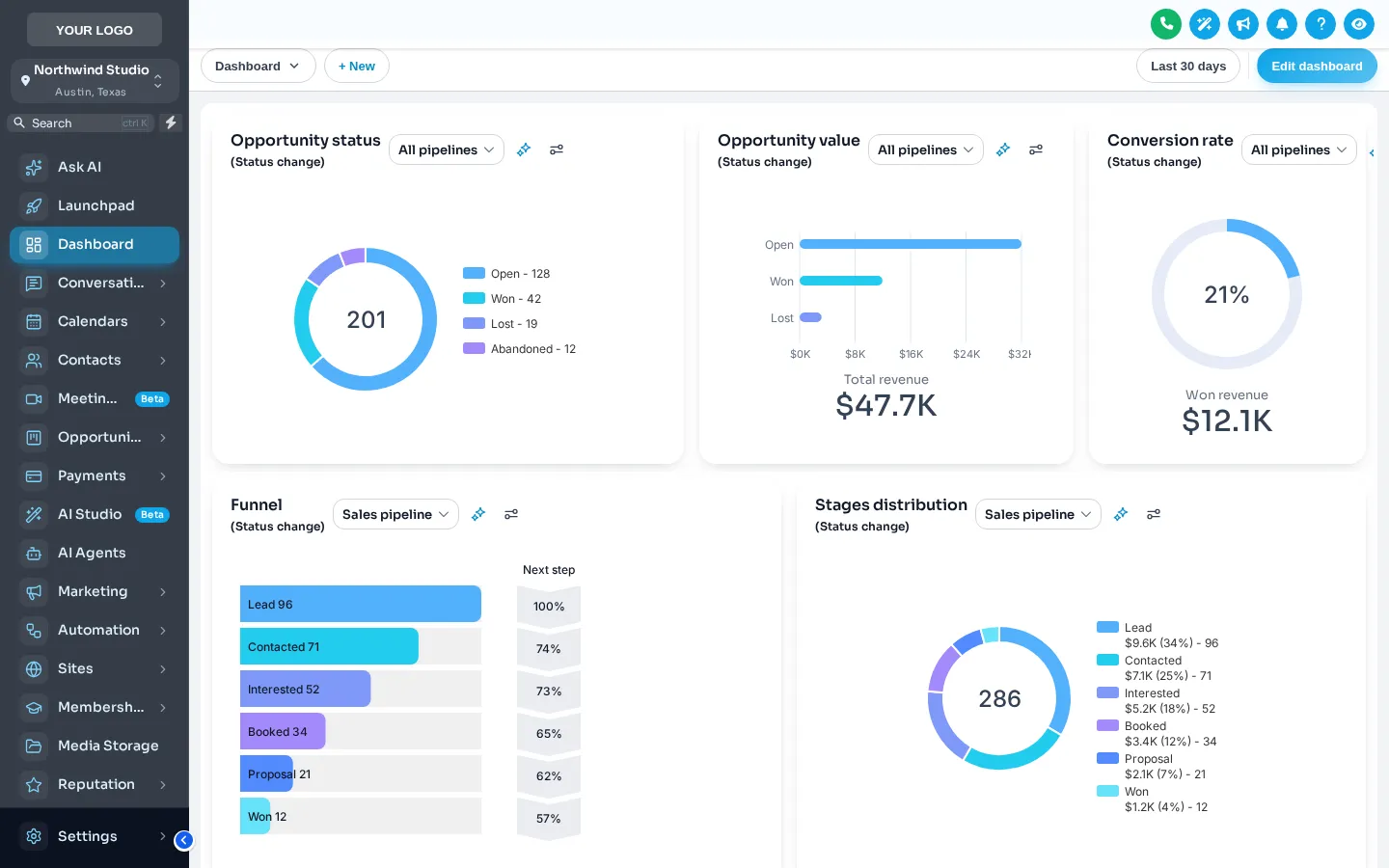
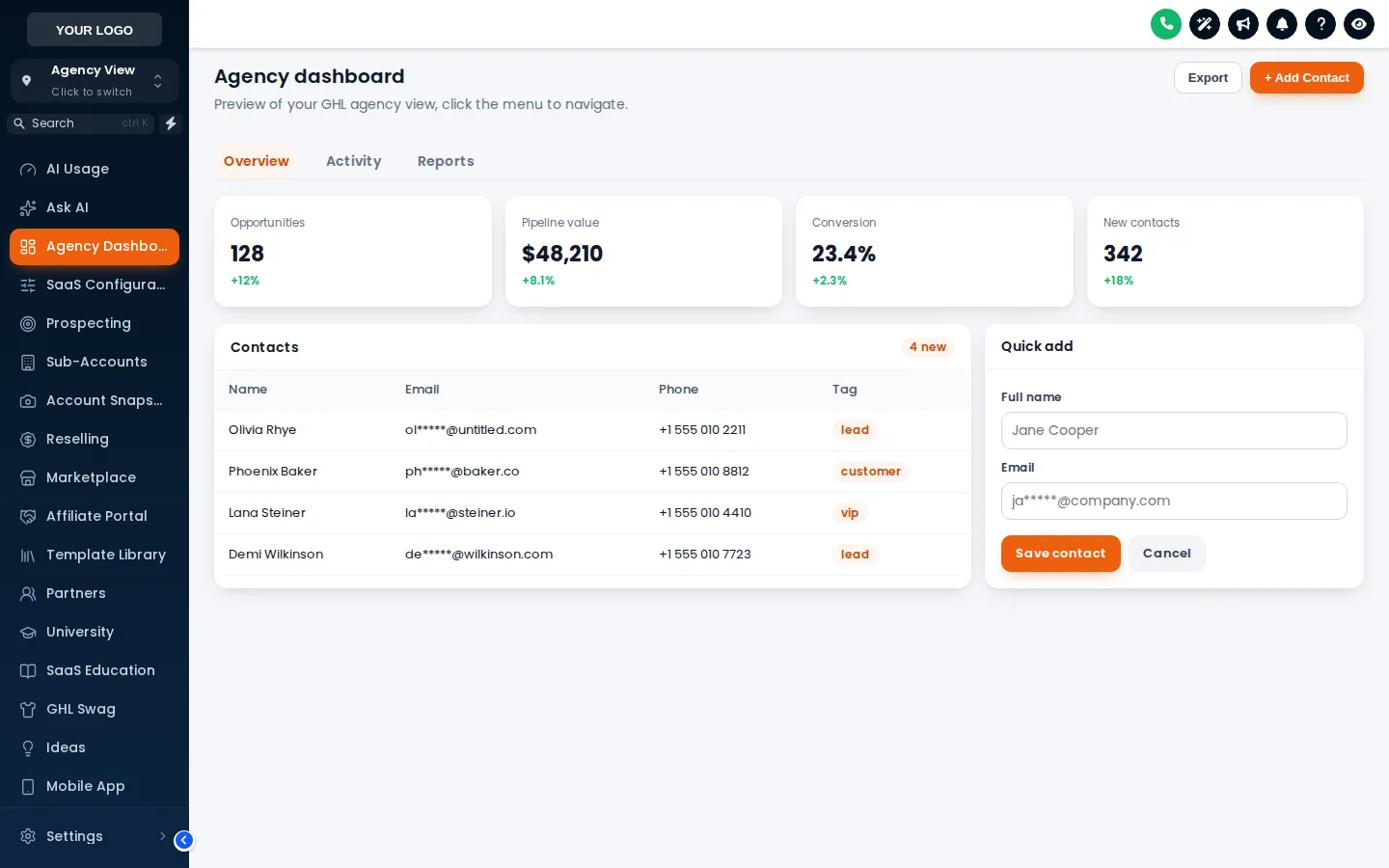
Before and after
Stock GoHighLevel
With the customizer
Who sets it, and why
You sell a dental or roofing snapshot. A theme in the trade’s own colours makes the account you hand over feel built for that practice, not borrowed.
Clients pay you monthly for “your” software. A finished theme and dark mode are what make that claim believable on the first login.
Eight hours a day in GoHighLevel is a long time to stare at a bright grey screen. Dark mode and a calmer kit are a small kindness that adds up.
Setting themes and dark mode
Nobody designs or installs it for you, and nobody needs your GoHighLevel password. You set it yourself, and support is there if you get stuck.
Open the theme gallery in the editor and pick the one closest to your brand.
Lay a UI kit over it, switch dark mode on or leave it to each user, and drop in your logo and colours.
Preview the agency view and a sub-account side by side before anyone else sees it.
Paste the one-line script into GoHighLevel once. Every later change goes live on the next page load.
Custom JS · Agency Settings → Company → White Label
<script src="https://customizer.ghlcustomercare.com/l/YOUR-KEY.js"></script>Custom CSS · same page, for the login design
@import url("https://customizer.ghlcustomercare.com/lc/YOUR-KEY.css");YOUR-KEY is filled in for you on the editor’s Get code screen.
The specimen index
The whole catalogue, not a highlight reel. Choose a theme to pull a proof of it on the live sub-account above; every login page, dashboard and board opens on its own page with that design already on the press.
Which package
Included in every package, from Essential Theme at $187. One-time payment, lifetime access; the login is emailed within minutes of paying, at most 24 hours.
One-time payment, lifetime access. Your login is emailed within minutes of paying, at most 24 hours. All sales are final.
Queries · Themes and dark mode
It is a complete restyle of the GoHighLevel interface in your brand: sidebar, header, page background, fonts, corners, buttons, tables and modals. It runs from one script added in your agency’s White Label settings, so every user and every sub-account sees it without anyone installing anything.
There are 27 finished themes. Each one is a starting point: change the colours, font, radius, kit, layout or logo, and save the result as your own template.
A theme is colour and layout; a UI kit is how controls are drawn: cards, buttons, inputs, tables, tabs and modals. There are 11 kits and any kit can sit on any theme, so the same colours can feel flat, soft, glassy or bold.
No. Dark mode carries its own background, surface, raised, border, text and muted colours. 3 themes are dark by design, and any other theme can be switched to dark with a palette that is set rather than inverted.
The styles are maintained on the customizer platform and target GoHighLevel’s interface as it ships. When GoHighLevel changes something, the platform is updated and your account picks the fix up automatically, with nothing to re-install.
Yes. The agency view and the sub-account view are previewed separately in the editor, and Pro Theme adds sub-account self-service so a client can adjust their own look inside the limits you set.
No. Nothing is downloaded. You get an account on the GHL Customizer platform, build the look in its live editor, and GoHighLevel loads it from one line of code you paste once.
Included in every package, from Essential Theme at $187. Every package is a one-time payment with lifetime access to a GHL Customizer account; the login is emailed within minutes of paying, at most 24 hours, and you set everything up yourself in the live editor.
ThemesForGHL and the GHL Customizer are independent and not affiliated with HighLevel Inc. GoHighLevel is their trademark, used here to say what the product works with.
The last word
Pick the weight that covers what you want to change. The login is in your inbox within minutes, and you can have the theme live before lunch.
Set to taste
Kept on this device only.